Apprentice: How to resubmit an entry
Apprentice: How to resubmit an entry
1. Click "View OTJ items"

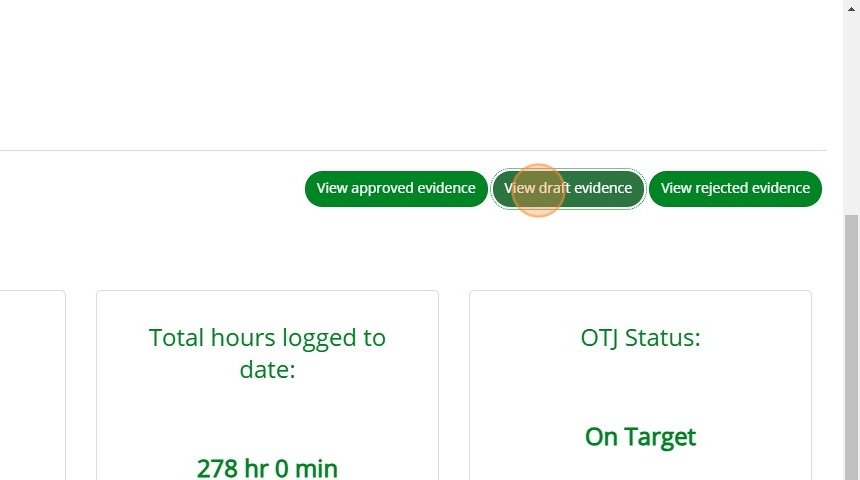
2. Click "View draft evidence"
3. Click the edit icon.

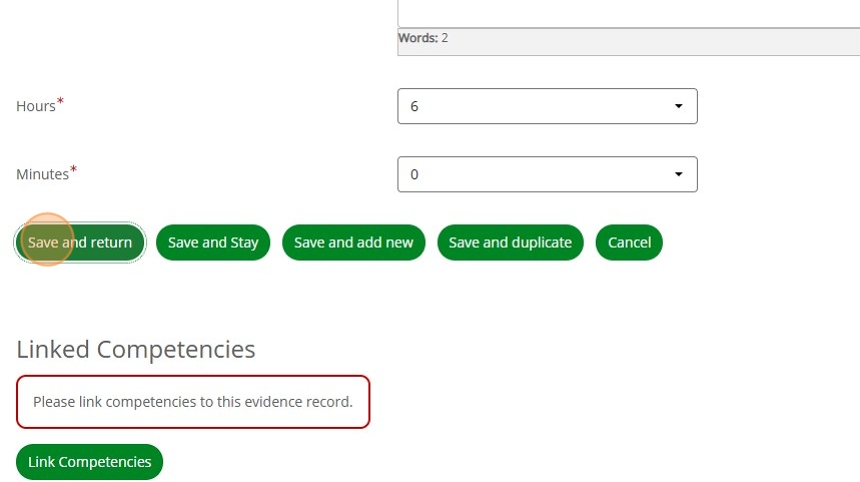
4. After you have made your changes, Click "Save and return".
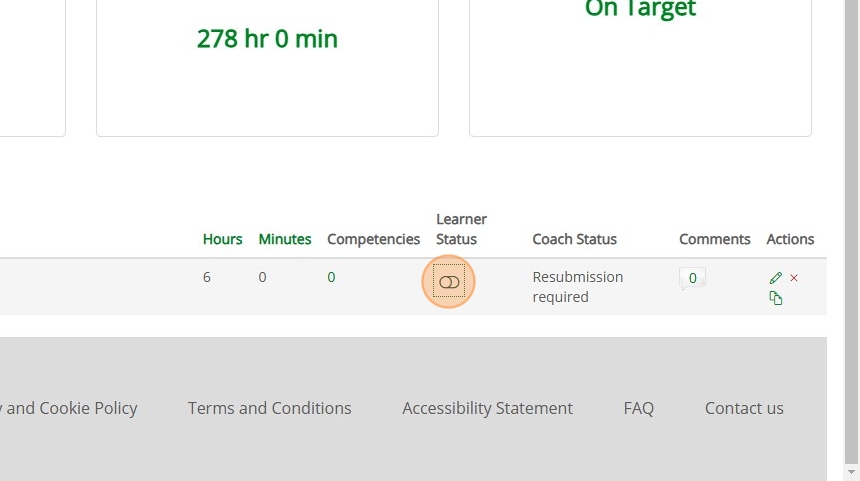
5. Click the toggle under "Learner Status" to resubmit the entry to your coach.