
New staff user creation
If you have a new staff member joining and wish to setup their FI Learn account - please request this by clicking here. (Click the topic of this article for the link to display).
Once the form has been submitted, you will not need to raise a helpdesk ticket for this.
1. Navigate to https://forms.office.com/Pages/ResponsePage.aspx?id=hmebPlvd8EOl7ySM3CO11t5z8Bn3LmpKsVJTU9SewZxUMDE2S0RDNDVPQ0JLTlpIVUQzRVpMT0JBUy4u
2. Click the "New Staff - First Name" field and enter the staff member's first name
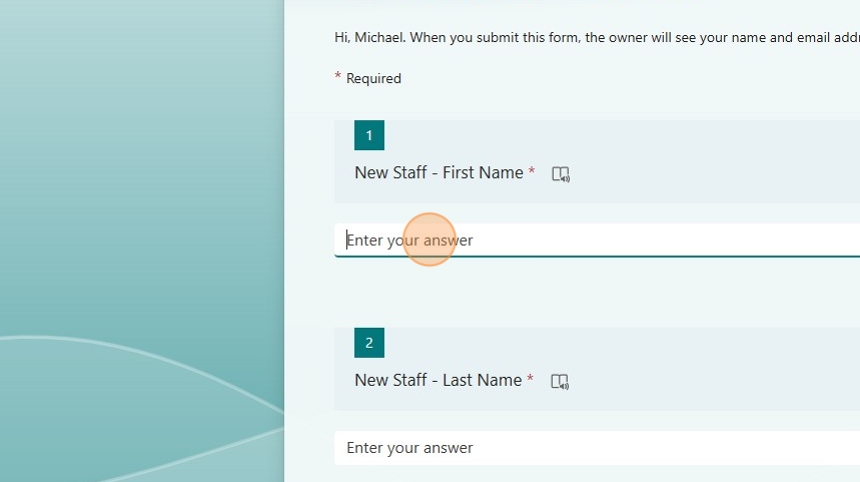
3. Click the "New Staff - Last Name" field and enter the staff member's last name

4. Click the "New Staff - Email" field and enter the staff members @fi.co.uk email address
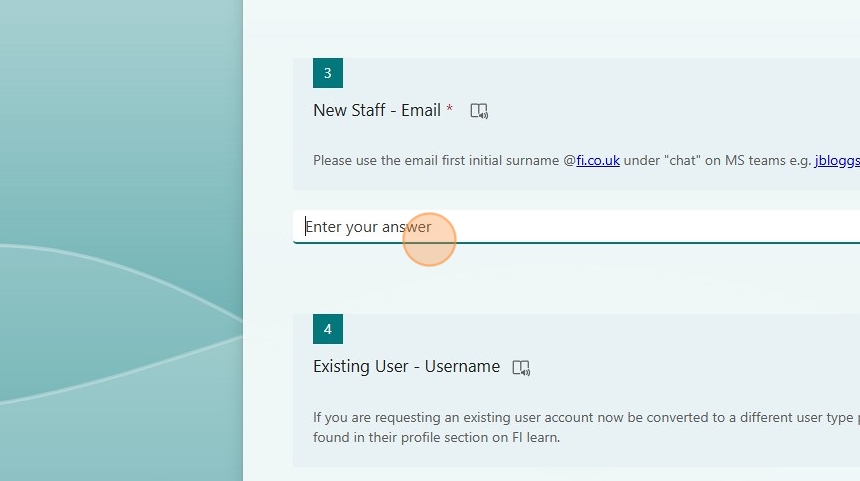
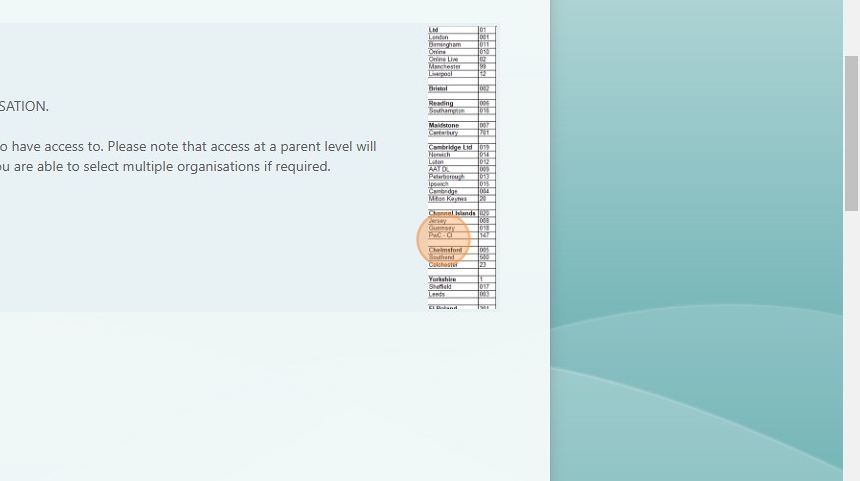
5. Select the staff members "organisation" the codes are shown on the image on the form (shown below)

6. Org code image
7. Select the "User Type" for the staff member

8. If the user is a Skills Coach, answer question 7

9. Click "Submit"

Please Note: Requests will be processed by the LMS team on Wednesday and Friday at 14:00